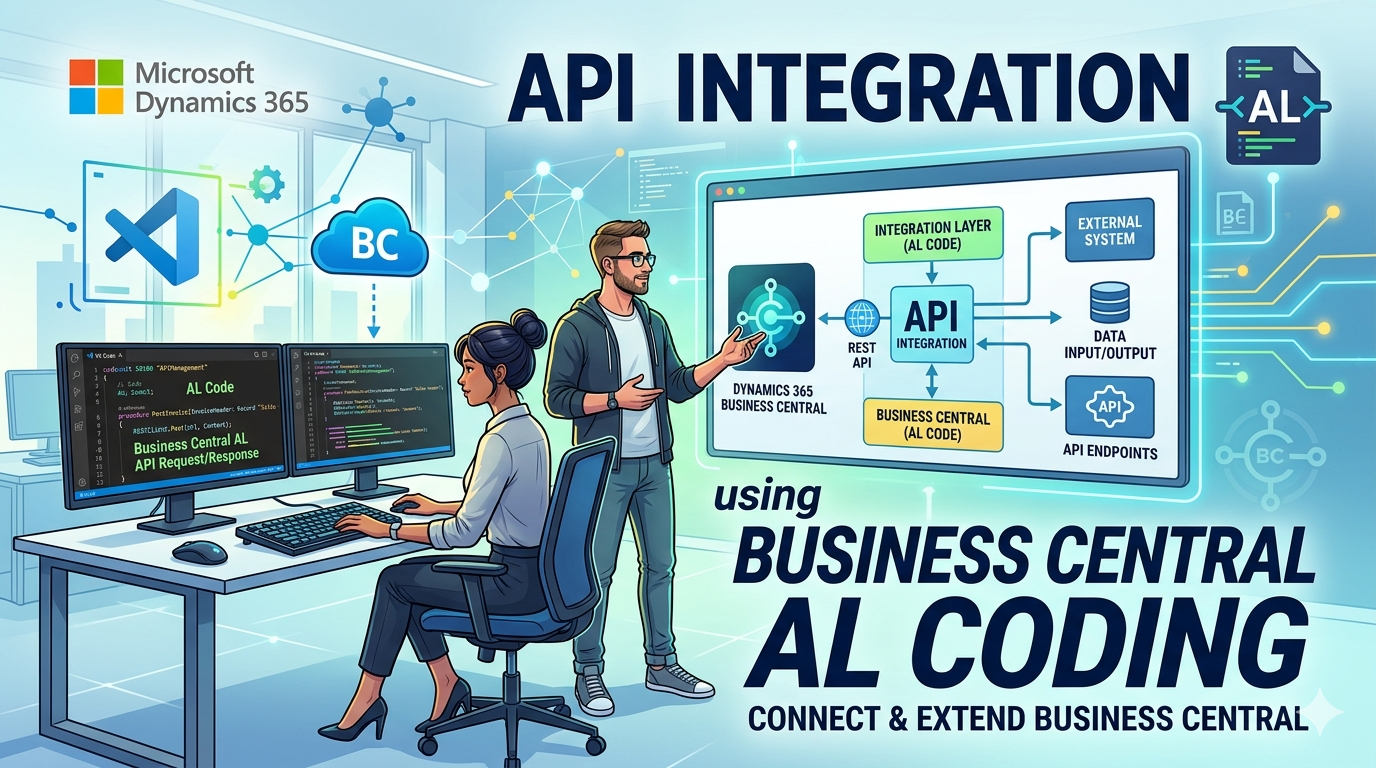
How to Call an External REST API from Business Central Using AL - Complete Guide with Headers, Authorization and Response Handling
A complete AL code walkthrough for making authenticated REST API calls from Business Central, covering request headers, Bearer token authorization, JSON body construction, and full response handling including error management.
BASIC GET REQUEST WITH HEADERS AND AUTHORIZATION
 procedure CallAPIWithAuth()
    var
        HttpClient: HttpClient;
        HttpRequest: HttpRequestMessage;
        HttpResponse: HttpResponseMessage;
        Headers: HttpHeaders;
        ResponseText: Text;
    begin
        HttpRequest.Method('GET');
        HttpRequest.SetRequestUri('https://api.example.com/customers');
        HttpRequest.GetHeaders(Headers);
        Headers.Add('Authorization', 'Bearer eyJhbGciOiJSUzI1NiIsInR5cCI6IkpXVCJ9...');
        Headers.Add('Accept', 'application/json');
        HttpClient.Send(HttpRequest, HttpResponse);
        if HttpResponse.IsSuccessStatusCode() then begin
            HttpResponse.Content().ReadAs(ResponseText);
            Message('Success: %1', ResponseText);
        end else
            Error('GET Failed. Status: %1', HttpResponse.HttpStatusCode());
    end;
FULL POST REQUEST WITH JSON BODY, HEADERS AND AUTHORIZATION
procedure PostCustomerToAPI()
    var
        HttpClient: HttpClient;
        HttpRequest: HttpRequestMessage;
        HttpResponse: HttpResponseMessage;
        HttpContent: HttpContent;
        RequestHeaders: HttpHeaders;
        ContentHeaders: HttpHeaders;
        JsonBody: JsonObject;
        ResponseJson: JsonObject;
        ResponseText: Text;
        Token: Text;
    begin
        Token := 'Bearer eyJhbGciOiJSUzI1NiIsInR5cCI6IkpXVCJ9...';
        JsonBody.Add('customerNo', 'C00010');
        JsonBody.Add('name', 'Concept Cloud Services');
        JsonBody.Add('email', '[email protected]');
        JsonBody.Add('currency', 'USD');
        JsonBody.Add('country', 'IN');
        JsonBody.Add('active', true);
        JsonBody.WriteTo(ResponseText);
        HttpContent.WriteFrom(ResponseText);
        HttpContent.GetHeaders(ContentHeaders);
        ContentHeaders.Remove('Content-Type');
        ContentHeaders.Add('Content-Type', 'application/json');
        HttpRequest.Method('POST');
        HttpRequest.SetRequestUri('https://api.example.com/api/v1/customers');
        HttpRequest.Content(HttpContent);
        HttpRequest.GetHeaders(RequestHeaders);
        RequestHeaders.Add('Authorization', Token);
        RequestHeaders.Add('Accept', 'application/json');
        HttpClient.Send(HttpRequest, HttpResponse);
        if HttpResponse.IsSuccessStatusCode() then begin
            HttpResponse.Content().ReadAs(ResponseText);
            ResponseJson.ReadFrom(ResponseText);
            Message('Customer created successfully. Response: %1', ResponseText);
        end else begin
            HttpResponse.Content().ReadAs(ResponseText);
            Error('POST Failed. Status Code: %1\nResponse: %2',
            HttpResponse.HttpStatusCode(),
            ResponseText);
        end;
    end;
BEARER TOKEN AUTHENTICATION WITH OAUTH2
 procedure GetOAuthToken(var Token: Text)
    var
        HttpClient: HttpClient;
        HttpRequest: HttpRequestMessage;
        HttpResponse: HttpResponseMessage;
        HttpContent: HttpContent;
        ContentHeaders: HttpHeaders;
        JsonResponse: JsonObject;
        TokenValue: JsonToken;
        Body: Text;
        ResponseText: Text;
    begin
        Body := 'grant_type=client_credentials' +
        '&client_id=your-client-id' +
        '&client_secret=your-client-secret' +
        '&scope=https://api.example.com/.default';
        HttpContent.WriteFrom(Body);
        HttpContent.GetHeaders(ContentHeaders);
        ContentHeaders.Remove('Content-Type');
        ContentHeaders.Add('Content-Type', 'application/x-www-form-urlencoded');
        HttpRequest.Method('POST');
        HttpRequest.SetRequestUri('https://login.microsoftonline.com/your-tenant-id/oauth2/v2.0/token');
        HttpRequest.Content(HttpContent);
        HttpClient.Send(HttpRequest, HttpResponse);
        if HttpResponse.IsSuccessStatusCode() then begin
            HttpResponse.Content().ReadAs(ResponseText);
            JsonResponse.ReadFrom(ResponseText);
            JsonResponse.Get('access_token', TokenValue);
            Token := TokenValue.AsValue().AsText();
        end else
            Error('Failed to get token. Status: %1', HttpResponse.HttpStatusCode());
    end;
FULL RESPONSE HANDLING WITH STATUS CODES
procedure HandleAPIResponse(HttpResponse: HttpResponseMessage)
    var
        ResponseText: Text;
        JsonResponse: JsonObject;
        ErrorToken: JsonToken;
    begin
        HttpResponse.Content().ReadAs(ResponseText);
        case HttpResponse.HttpStatusCode() of
            200:
                Message('OK - Request successful. Data: %1', ResponseText);
            201:
                Message('Created - Resource created successfully. Response: %1', ResponseText);
            204:
                Message('No Content - Operation successful, no data returned.');
            400:
                begin
                    JsonResponse.ReadFrom(ResponseText);
                    if JsonResponse.Get('message', ErrorToken) then
                        Error('Bad Request: %1', ErrorToken.AsValue().AsText())
                    else
                        Error('Bad Request - Invalid data sent to API.');
                end;
            401:
                Error('Unauthorized - Token missing or expired. Please re-authenticate.');
            403:
                Error('Forbidden - You do not have permission to perform this action.');
            404:
                Error('Not Found - The requested resource does not exist on the server.');
            429:
                Error('Too Many Requests - API rate limit exceeded. Please wait and retry.');
            500:
                Error('Internal Server Error - Something went wrong on the API server side.');
            else
                Error('Unexpected Status Code: %1\nResponse: %2',
                HttpResponse.HttpStatusCode(),
                ResponseText);
        end;
    end;
SAMPLE JSON REQUEST BODY
{
    "customerNo": "C00010",
    "name": "Concept Cloud Services",
    "email": "[email protected]",
    "currency": "USD",
    "country": "IN",
    "active": true,
    "address": {
        "street": "123 Business Park",
        "city": "Mumbai",
        "state": "Maharashtra",
        "zip": "400001"
    },
    "metadata": {
        "source": "BusinessCentral",
        "createdBy": "AL Integration",
        "timestamp": "2026-04-13T10:00:00Z"
    }
}
SAMPLE JSON RESPONSE BODY
{
"status": "success",
"statusCode": 201,
"message": "Customer created successfully",
"data": {
"id": "64f2a1b3c9e77b001f3d8e21",
"customerNo": "C00010",
"name": "Concept Cloud Services",
"email": "[email protected]",
"currency": "USD",
"country": "IN",
"active": true,
"createdAt": "2026-04-13T10:00:00Z"
},
"errors": null
}
IMPORTANT NOTE FOR BUSINESS CENTRAL SAAS
All external URLs your AL code calls must be declared in your app.json file under allowedExternalEndpoints. Without this, Business Central cloud will block the outbound request at runtime and throw a runtime error even if your code is correct.
"allowedExternalEndpoints": [ "https://api.example.com", "https://login.microsoftonline.com" ]
Always include both your API endpoint and your OAuth token endpoint if you are using OAuth2 authentication.
Happy Coding!