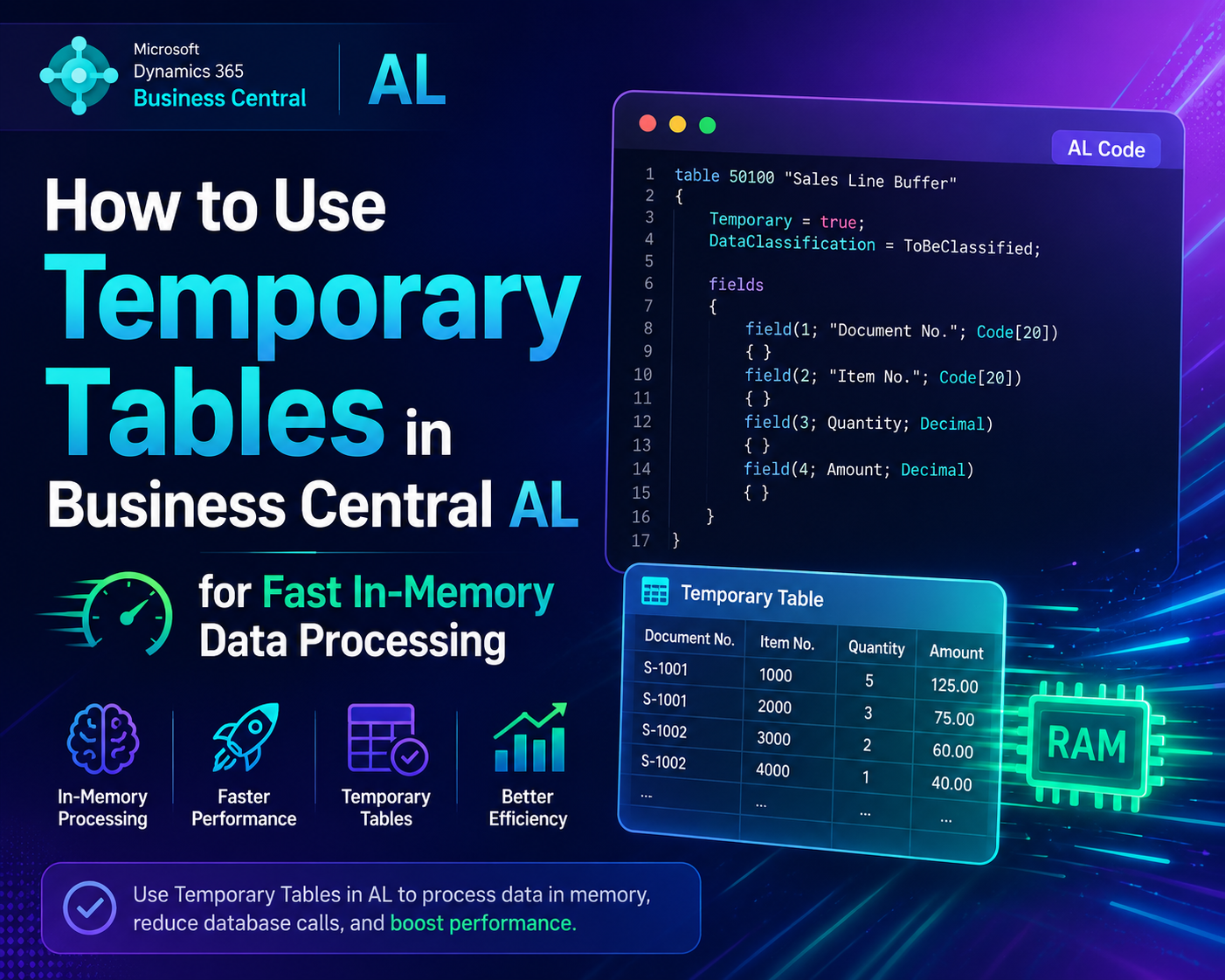
WHAT IS A TEMPORARY TABLE
A temporary table in Business Central is a regular table object used with the Temporary keyword on a record variable. When you mark a record variable as Temporary, Business Central never reads from or writes to the actual database table. All data lives in memory only, for the lifetime of that codeunit or procedure call.
The moment the codeunit goes out of scope, the data is gone. No cleanup needed. No database transactions. No locks.
This makes temporary tables perfect for staging data, building intermediate result sets, passing structured data between procedures, and powering pages or reports with calculated or transformed data that does not need to be persisted.
DECLARING A TEMPORARY TABLE VARIABLE
You do not need to create a special object for a temporary table. Any existing table can be used as a temporary table by adding the Temporary keyword to the variable declaration.
That single keyword is the difference between hitting the database and staying entirely in memory. Everything else about how you work with the record is identical to a regular record variable.
REAL WORLD SCENARIO 1 — STAGING AND TRANSFORMING DATA BEFORE DISPLAY
Your client wants a page that shows all open Sales Lines grouped and filtered in a custom way that is not possible with standard BC filters. Instead of trying to force the standard table to show what you want, you read the real data once, transform it, and load it into a temporary table that powers your custom page.
You read the database once using SetLoadFields for performance, apply your custom business logic in memory, and load only the qualifying records into the temporary table. The page then uses TempSalesLine as its source — fast, clean, and completely controlled.
CONNECTING A TEMPORARY TABLE TO A PAGE
To power a page with a temporary table, set the SourceTableTemporary property to true on the page and pass the temporary record from your codeunit.
The page displays your custom in-memory dataset without any direct database dependency. The user sees exactly what your business logic decided to show them.
REAL WORLD SCENARIO 2 — USING TEMPORARY TABLES AS STRUCTURED PARAMETERS
AL does not support passing arrays of structured data between procedures easily. Temporary tables solve this perfectly. Instead of building complex arrays or JSON structures to pass data around, use a temporary table as a clean structured parameter.
You pass structured data in, get structured results out. No globals. No JSON parsing. No complex parameter lists. Just clean AL record handling you already know.
REAL WORLD SCENARIO 3 — BUFFERING DATA FOR REPORT PROCESSING
Reports that process large datasets often run slowly because they hit the database repeatedly during rendering. A common pattern is to pre-process all data into a temporary table first and then let the report read from that in-memory buffer.
The report reads from TempBuffer entirely in memory. No repeated database calls during rendering. Faster reports, less database load, better user experience.
IMPORTANT RULES FOR TEMPORARY TABLES
Temporary tables do not support relations or FlowFields. CalcFields will not work on a temporary record because there is no database row to calculate from.
Always call DeleteAll before loading data into a temporary table that is passed by reference. This ensures you start with a clean state every time.
Temporary tables do not participate in database transactions. You cannot roll back changes to a temporary table using a transaction. They are purely in-memory.
The primary key must still be unique in a temporary table just like a real table. If you try to insert two records with the same primary key it will throw an error. Plan your key values carefully when building temporary datasets.
TransferFields is your best friend when copying data from a real record to a temporary record. It copies all matching fields in one line without manually assigning each field.
You can use FindSet, FindFirst, FindLast, Next, Get, Insert, Modify, Delete and DeleteAll on temporary tables exactly the same as real tables. The API is identical — only the storage is different.
WHEN TO USE TEMPORARY TABLES
Use temporary tables when you need to stage or transform data before displaying it on a page or report. Use temporary tables when you need to pass structured multi-row data between procedures. Use temporary tables when you need to deduplicate or sort data in a custom way before processing. Use temporary tables when you need to build a working dataset for complex calculations without persisting anything to the database. Use temporary tables when you want to give users an editable in-memory workspace that only gets committed to the database on confirmation.
Do not use temporary tables as a replacement for proper database design. If data needs to survive beyond the current session it belongs in a real table.
THE RESULT
Temporary tables give you the full power of Business Central record handling — filtering, sorting, looping, page binding — without touching the database. They make your code cleaner, your pages faster, and your data processing more flexible.
Once you start using temporary tables for staging and in-memory processing you will wonder how you ever built complex BC extensions without them.