Feature details
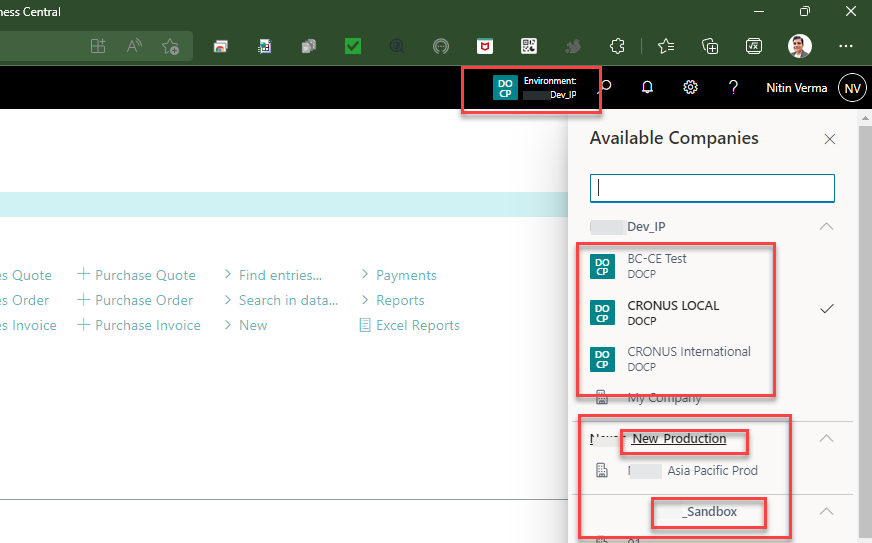
- Visual cues in the app bar help you to quickly understand which company and environment you're currently working in, and include the company badge if one was specified for a company.
- Activate the company switcher pane from anywhere in Business Central, either from the app bar or using the Ctrl+O keyboard shortcut.
- Search for companies you have access to, grouped by environment, including production and sandbox environments within your organization.
- Switch company in the current browser tab or open the selected company in a new tab to multitask or compare data side by side
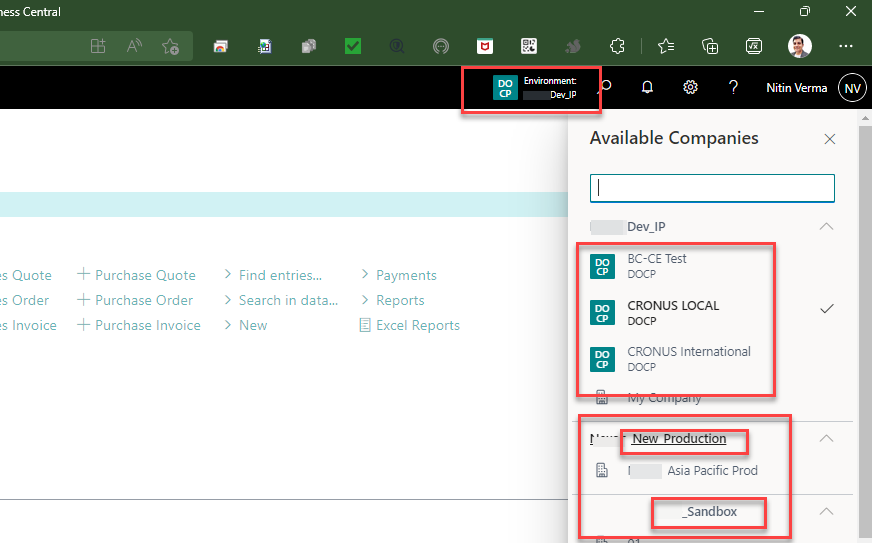 Changes to the company badge
The company badge provides a colorful and compact visual indicator so that users can understand at a glance which context they are working in. To support the company switcher, administrators can now specify a badge to have a specific color and up to 6 characters—all from the
Company Information page.
Read the official document here :
Readme